
CORSAIR K65 PLUS WIRELESS review: a compact 75% gaming keyboard
A source-based look at CORSAIR’s K65 PLUS WIRELESS, which the seller labels a Best Seller: layout, tri-mode connections, controls, battery claim and buyer trade-offs.
Updated
Why this keyboard qualifies as a sales leader
CORSAIR’s official product page marks the K65 PLUS WIRELESS “Best Seller.” The company also features it in its Gaming Gear best-sellers collection. The product-level seller label is the direct evidence used to select this model. CORSAIR does not publish order totals, the period measured, or a numerical ranking across every product, so this review reports the seller’s designation without claiming independent sales data. The linked product page is the source for the specifications below; availability, included variants and current terms can change.
A smaller layout that keeps useful keys
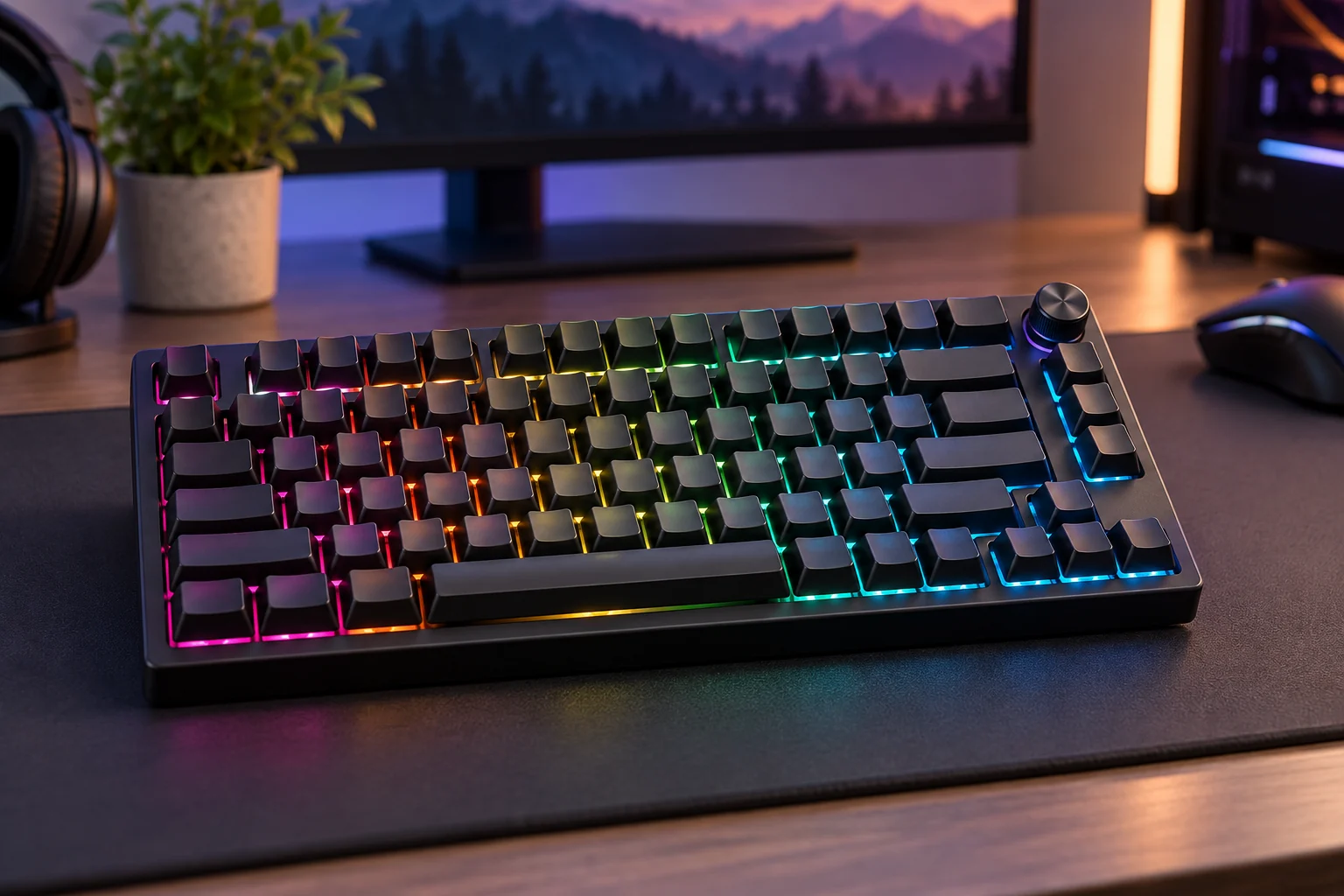
The K65 PLUS WIRELESS uses a 75% layout. CORSAIR says the format retains the arrow and utility keys while leaving more desk room for mouse movement. That makes the design worth considering for a compact gaming or work setup, but it omits the dedicated number pad found on a full-size keyboard. If you enter numbers frequently or rely on a particular shortcut layout, compare the key map and selected regional version before ordering. The official page lists several color or edition variants, so check that the product option and keyboard layout match your computer and preferences.
Connectivity, controls and customization
The seller lists three connection options: 2.4 GHz wireless, Bluetooth and USB wired. The rotary dial can be configured through CORSAIR iCUE for functions such as volume or other controls, and the board offers per-key RGB lighting. CORSAIR also describes its switches as hot-swappable, which can make later switch changes easier for someone comfortable with keyboard customization. These are manufacturer specifications, not results from our own testing. Wireless features, software support and compatibility can depend on the operating system and configuration, so review the product’s current requirements if you plan to use multiple devices or custom profiles.
Battery and practical trade-offs
CORSAIR quotes up to 266 hours of battery life with the LEDs off, using its stated test conditions. RGB lighting and wireless use can change real-world runtime, so treat that figure as a manufacturer maximum rather than a guaranteed interval. A compact board can free desk space, but it may take time to adjust if you are used to a full-size layout. The multi-function dial and lighting add controls and personalization; people who prefer a plain board may not use those features. Check the current included receiver, cable, switch option and warranty information on the live product page before deciding.
Buying notes and CORSAIR coupons
This is a research-based buying guide, not a hands-on review: we have not purchased, measured or tested the keyboard. CORSAIR’s official description and specifications support the details here, while the accompanying image is a generated category illustration rather than a photograph of the exact model. Follow the product source for current price, stock, layout and return terms. The CORSAIR coupons link on this page opens the store’s CouponAtlas offer listing; review each code’s expiry, minimum spend, eligible products and country restrictions before checkout. A code may not apply to every edition or sale item.
Product information
Official product page. Editorial note